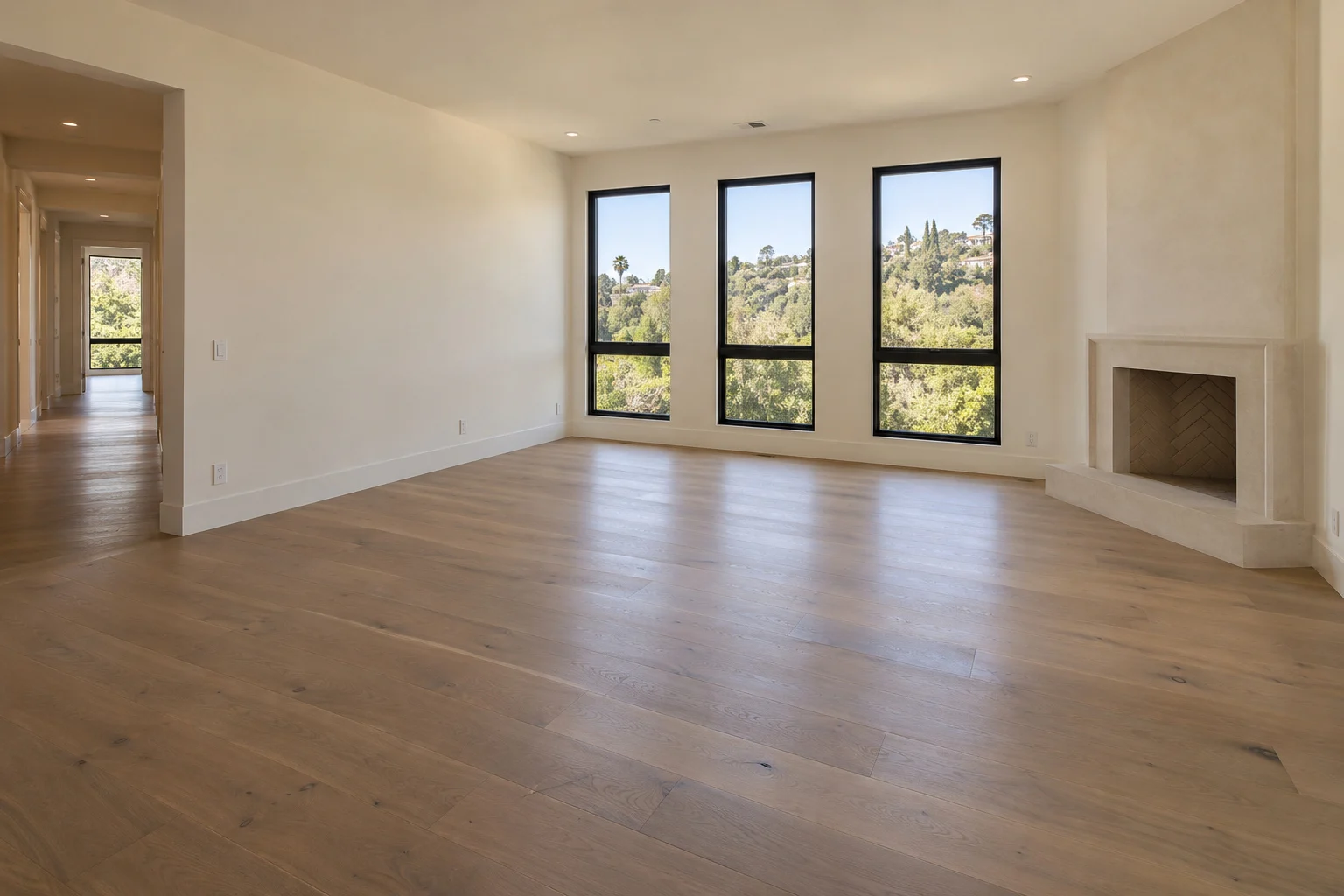
Start with your photography
Upload your listing photos, or import them from a supported property link after confirming permission. Keep the views that tell the story.
A little more life in every listing
Create property walkthroughs, give your listing photos a fresh perspective, or furnish an empty room with virtual staging. Start with the photos you have and bring it all together in Biyra.
Property walkthroughs
Bring movement to your listing photos with a property walkthrough, or create vertical shorts for social media.
Upload your listing photos, or import them from a supported property link after confirming permission. Keep the views that tell the story.
Choose distinct property views, prepare your plan, and preview the selected scenes before creating your walkthrough.
Plan a walkthrough from 15 seconds to two minutes. Review the final credit total before you approve generation.
Your walkthrough continues in the background. Open the project again to see its progress and the next step.
Keep your photos, walkthrough plan, watermark, and finished videos together in your account.
Every walkthrough receives automated quality checks, which can miss errors. When it is ready, review it and download the finished file.
Photo Studio
Give underwhelming listing photos a more considered finish. Photo Studio creates a new photographic composition from your original. Upload your photos or import a supported listing link, then choose the look that suits your property.
The living room at Alder House. Choose a finish to compare.
A considered viewpoint with balanced coverage of the room.
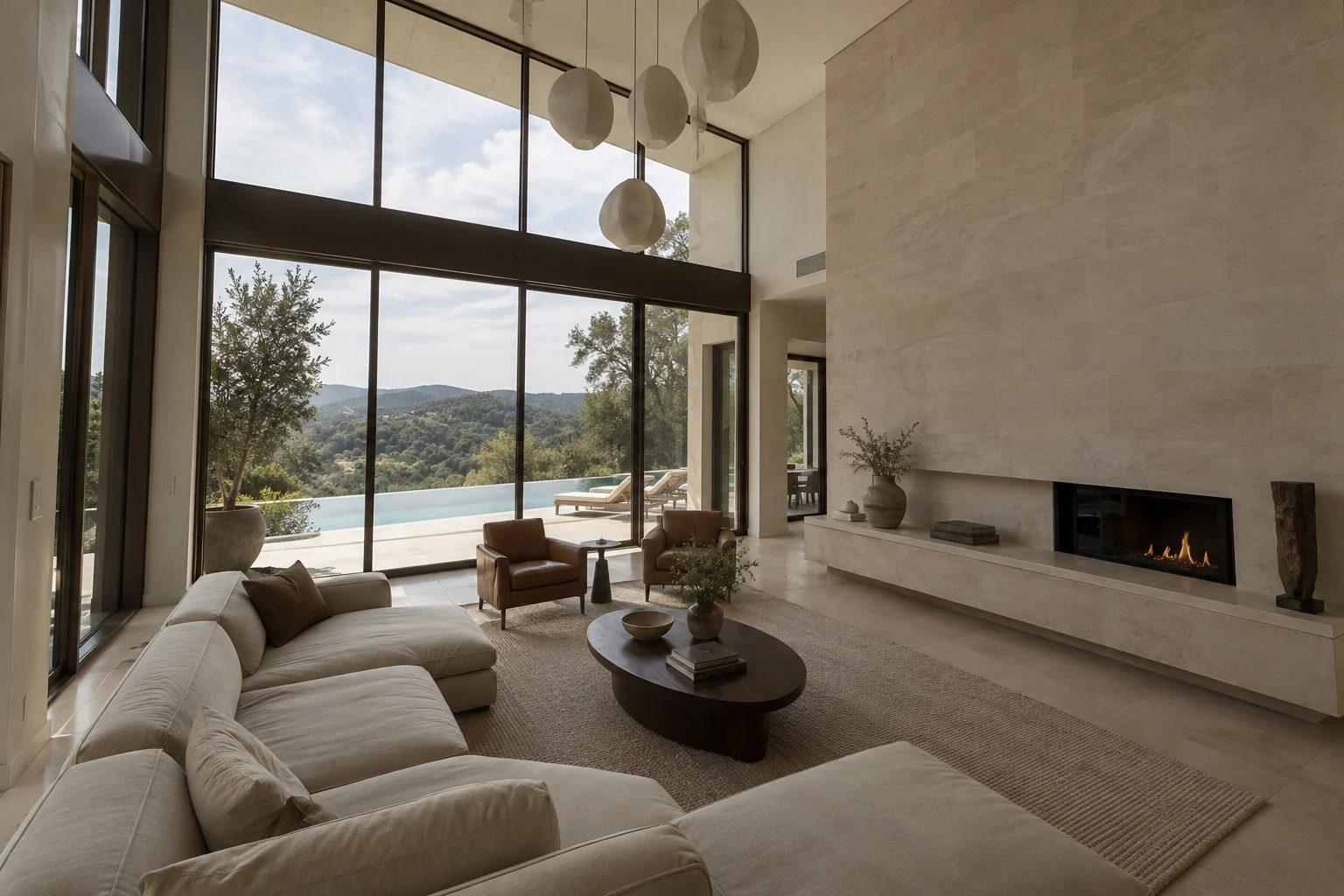
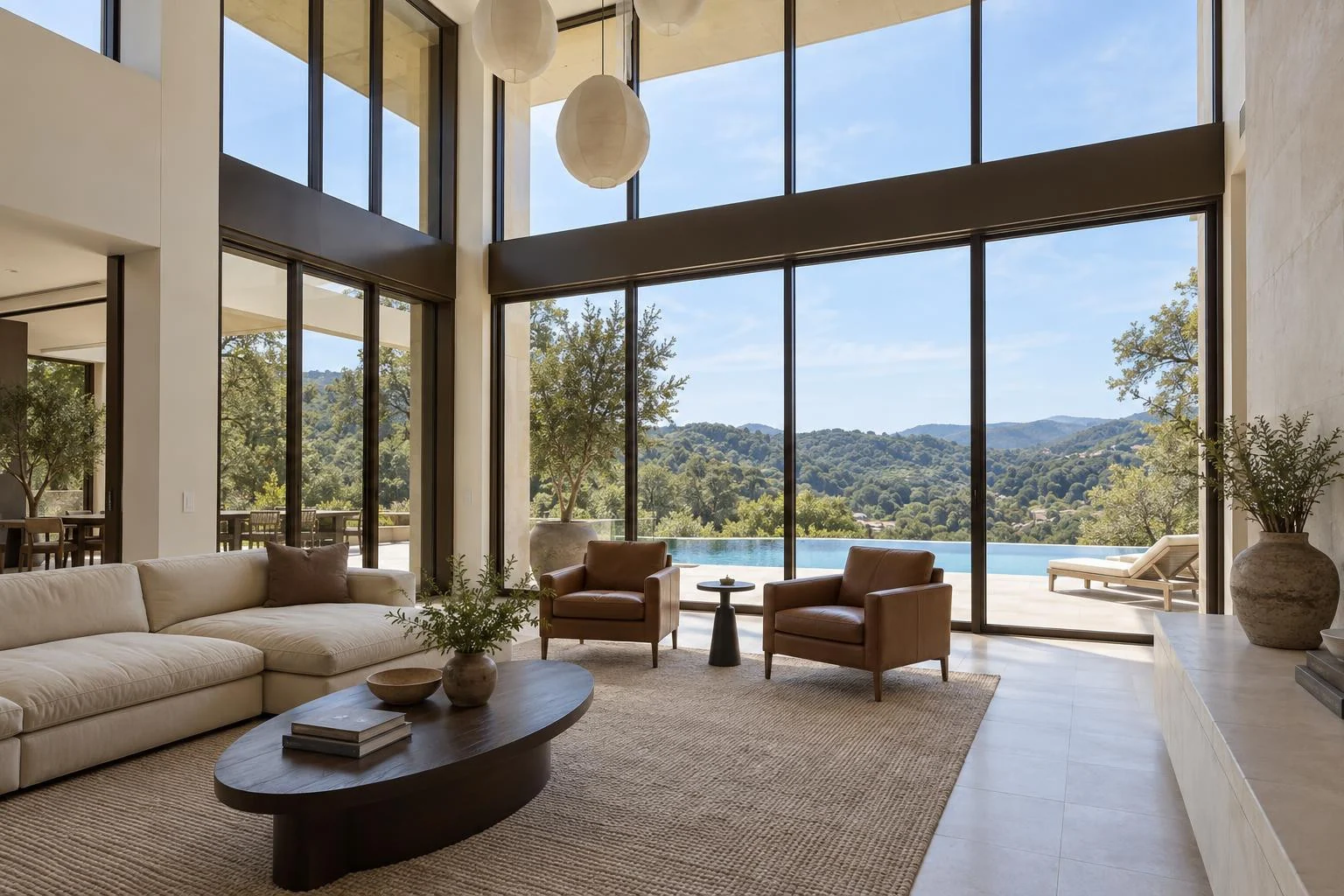
Alder House is a fictional luxury property. The original photos are AI-created; every after image was generated with Biyra Photo Studio. Results vary by photo.
Natural professional balances coverage of the room. Luxury editorial focuses on its strongest architectural details.
Choose a listing export size and add your saved watermark. Your original stays available alongside the result.
Find your results in Projects. Download a single JPG or collect your finished photos in a ZIP.
0.20 credits per successfully generated photo
See the total before you start. Charged automatically on delivery.
AI can change property details. Compare each result with the original before publishing.
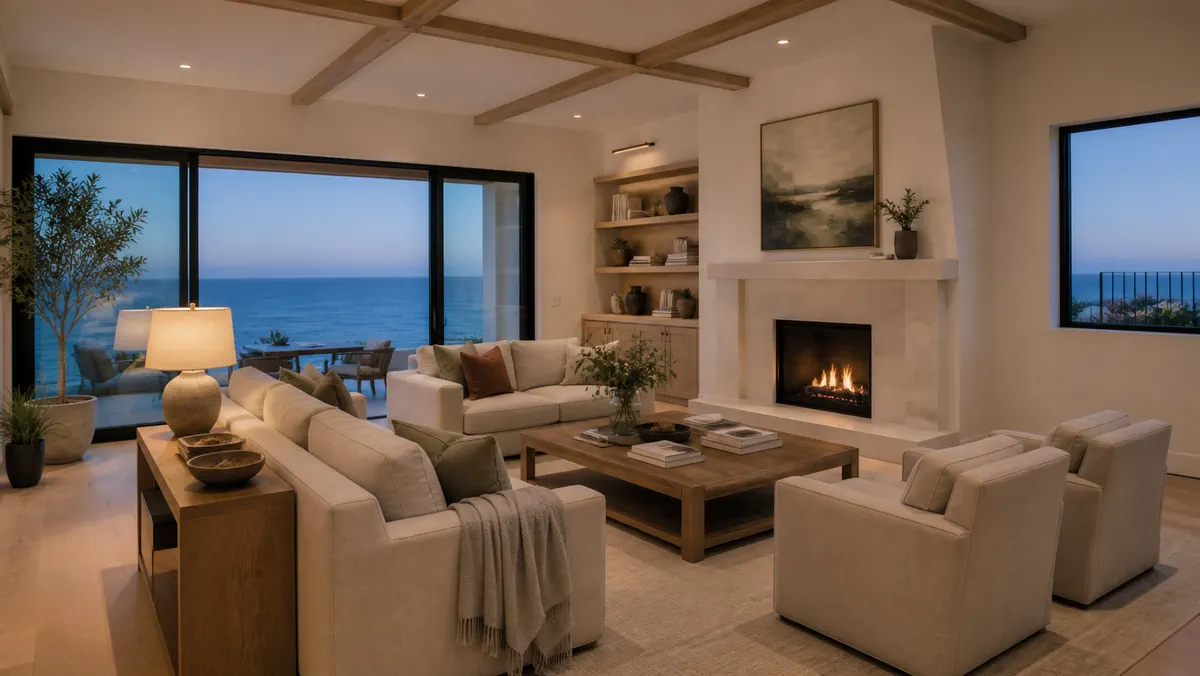
Staging
Add virtual furniture to empty living rooms and bedrooms. Biyra identifies the room from your photo and plans furniture for the space. You choose the style.
0.25 credits per successfully staged photo
Warm contemporary
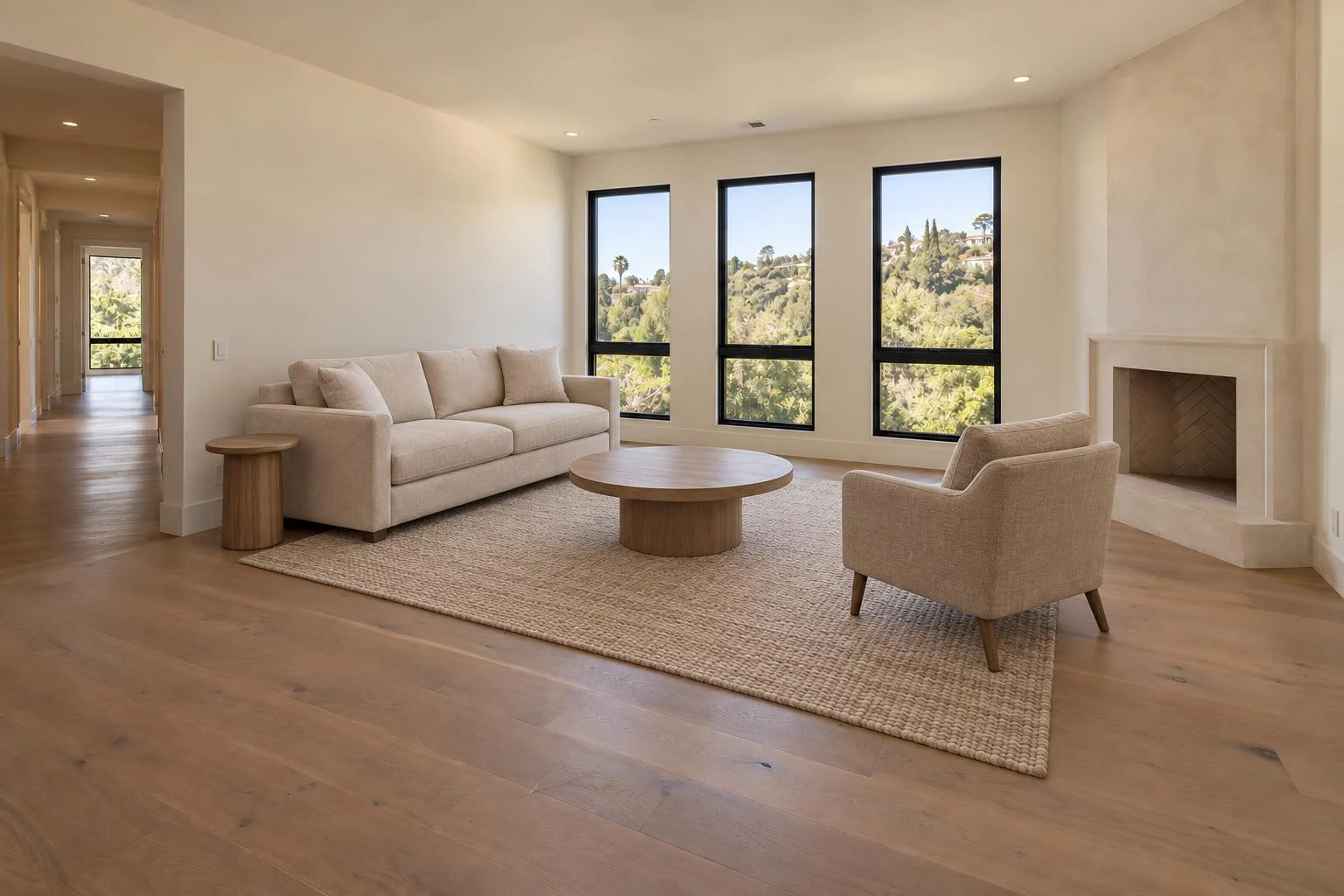
Compare your before and after in Projects, then download your staged photos. Successfully generated results are charged automatically; unsuccessful photos are not charged.
Check the result against the original and disclose virtual staging when sharing.
Your next listing
Make a property video, refresh your photos or stage an empty room. Choose the tool that fits your listing.