From photos to walkthrough
How to turn listing photos into a property video.
Bring your photography. Decide how the property unfolds. We’ll guide you through the rest, with a chance to review before you commit.
Start your first walkthrough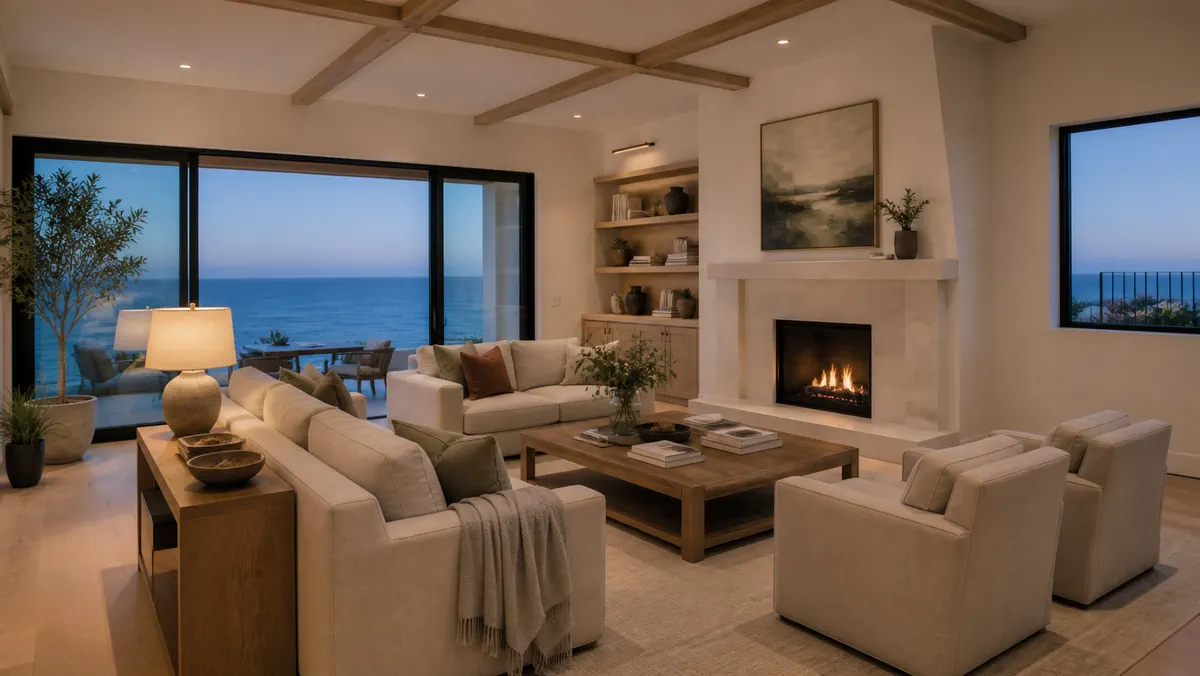
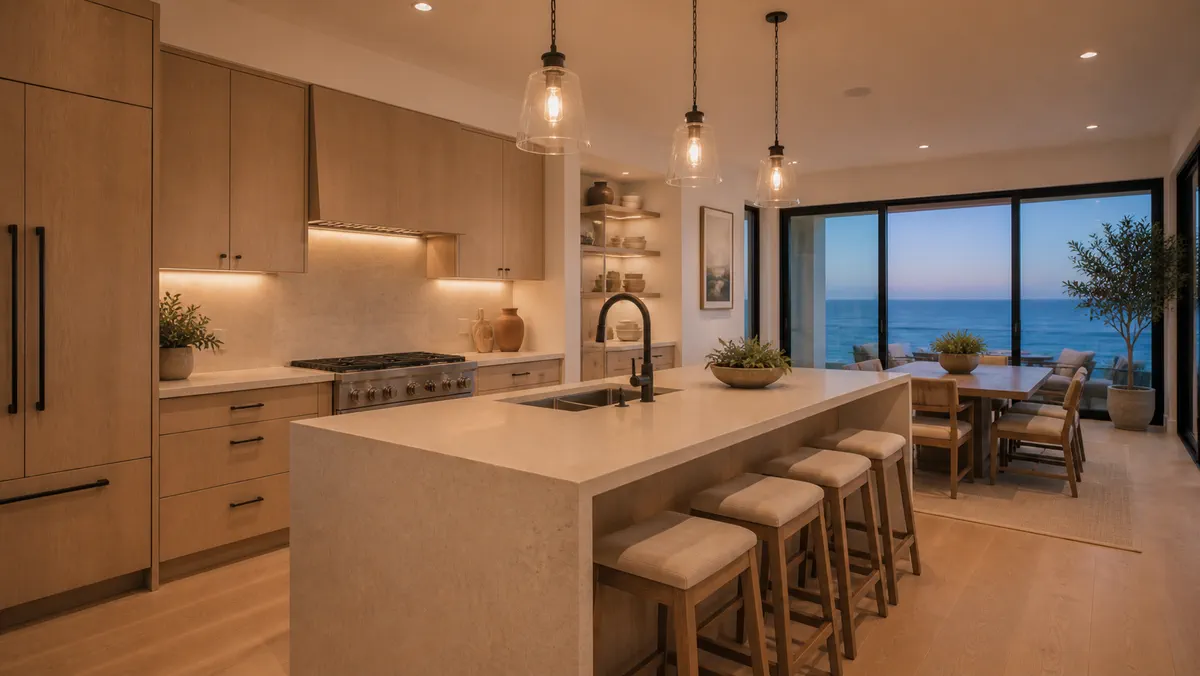
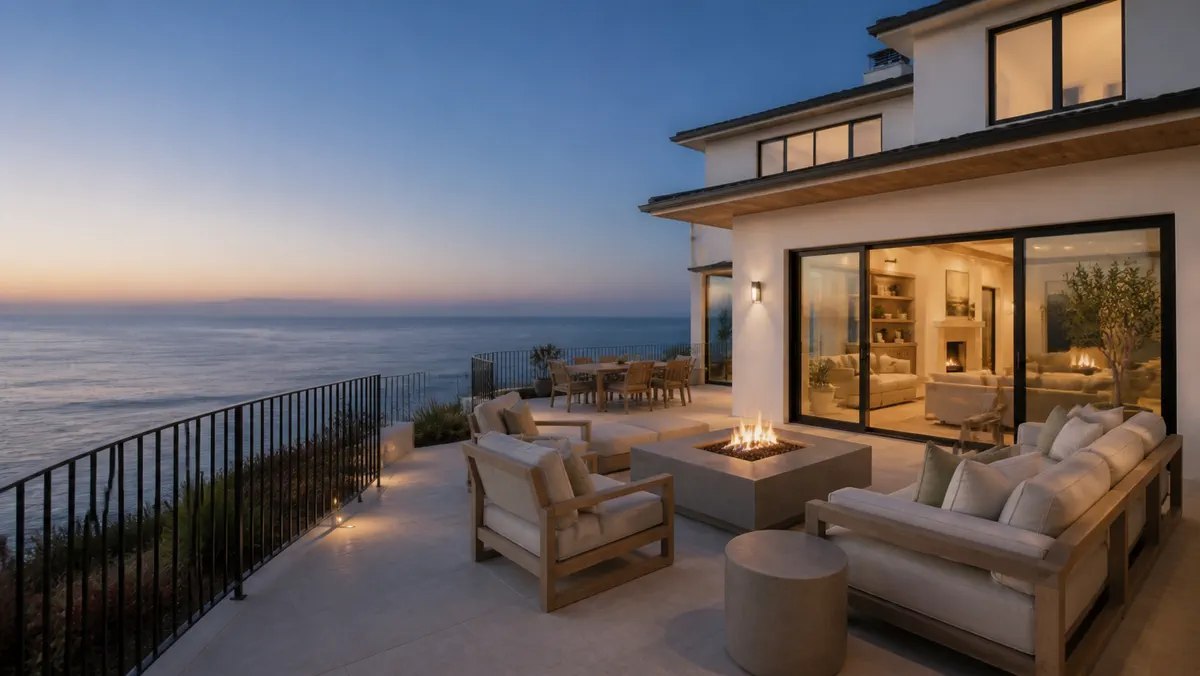
AI-generated imagery for illustration.
Bring your photos
Upload the listing photos you have permission to use, or import them from a supported property link. Select the views you want to include.
Shape the story
Choose distinct views that explain the home. Prepare the plan and preview the selected scenes on the create page.
Choose the pace
Select a length from 15 seconds to two minutes. You’ll see an estimate as you plan and the final credit total before you begin.
Let your walkthrough take shape
Approve the prepared plan and final price to start. Work continues in the background, so you can leave and return to the project later.
Review and download
Every walkthrough receives automated quality checks, which can miss errors. When it is ready, watch the finished walkthrough and download your file.
Before you begin
A clear price for your walkthrough.
Explore walkthrough lengths and credits with the pricing estimator.