Virtual staging
Virtual staging. Room to imagine.
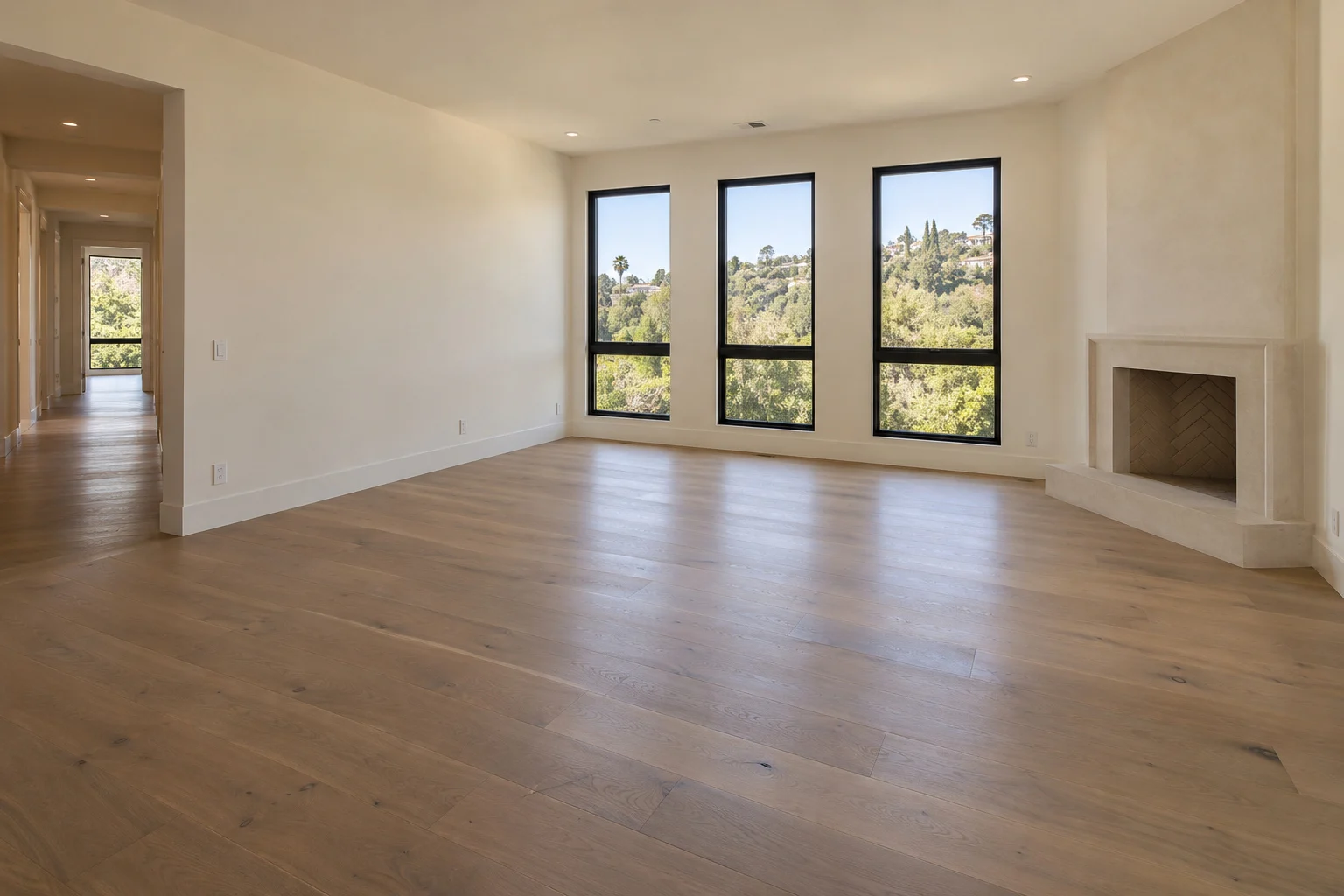
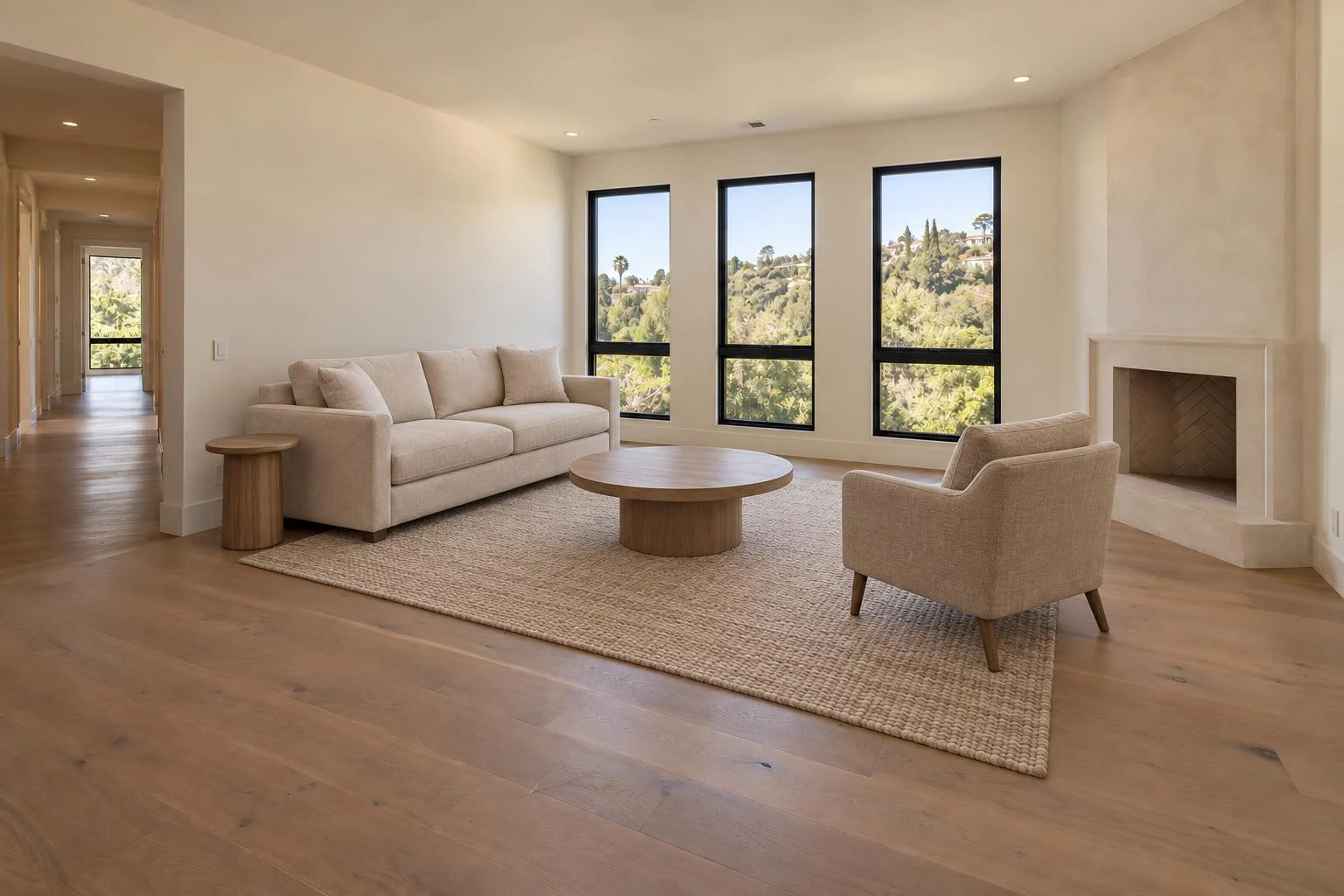
Help buyers picture life in an empty space. Add thoughtfully placed virtual furniture to living rooms and bedrooms, using the original photo as the starting point.
0.25 credits per successfully generated photo
See the difference
The same room. A new sense of possibility.
Switch between the empty room and the staged result. Notice how the furniture gives the space a purpose.
Warm contemporary
From photo to finished file
A simple place to start.
Your originals and finished images stay together in Projects. You can return to the same project as you work on your listing.
Bring your photos
Upload clear photos of empty living rooms or bedrooms, or import a supported listing link.
Choose the furniture style
Select Warm contemporary or Luxury neutral. Biyra identifies each room and plans the furniture.
See the price. Create.
Review the total before starting. Compare the finished images with your originals, then download your photos.
A stronger starting point
Give the room room to breathe.
Photograph from a corner or doorway, hold the camera level and leave enough floor visible to understand the space. Keep permanent fittings and entrances in view.
How to photograph empty roomsFurniture, not a new floor plan.
The aim is to furnish the photographed space while keeping its architecture. Automated checks help, but can miss changes. Compare the finished room with the original before sharing.
Read about AI and property accuracyA few useful details
Before you begin.
Which rooms can I stage?
Start with an empty living room or bedroom. Biyra identifies the room from the photo. A clear view of the floor, walls, windows and doorways gives it the information it needs to plan furniture.
Can I choose the furniture style?
Yes. Choose Warm contemporary for soft neutrals and natural textures, or Luxury neutral for refined fabrics and a coordinated palette. Furniture is generated to suit the individual photo; it is not a catalogue of items to purchase.
Does staging renovate the property?
Staging is intended to add furniture to the existing room. It is not a renovation tool. AI can still introduce differences, so compare the result with the original, especially windows, doors, finishes and the view outside.
When am I charged?
Each successfully staged photo costs 0.25 credits. You see the total before starting. Credits are reserved for the run and charged automatically when a result is delivered. Unsuccessful photos are not charged.
Can I share and download the result?
Yes. Finished images appear in Projects alongside their originals. Download a single photo or a ZIP of the completed photos. Disclose that the furniture is virtually staged when using the images in a listing.
Virtual staging
Make the empty space feel like home.
0.25 credits per successful photo. See the total before you start.