A brighter kitchen.
Natural professional
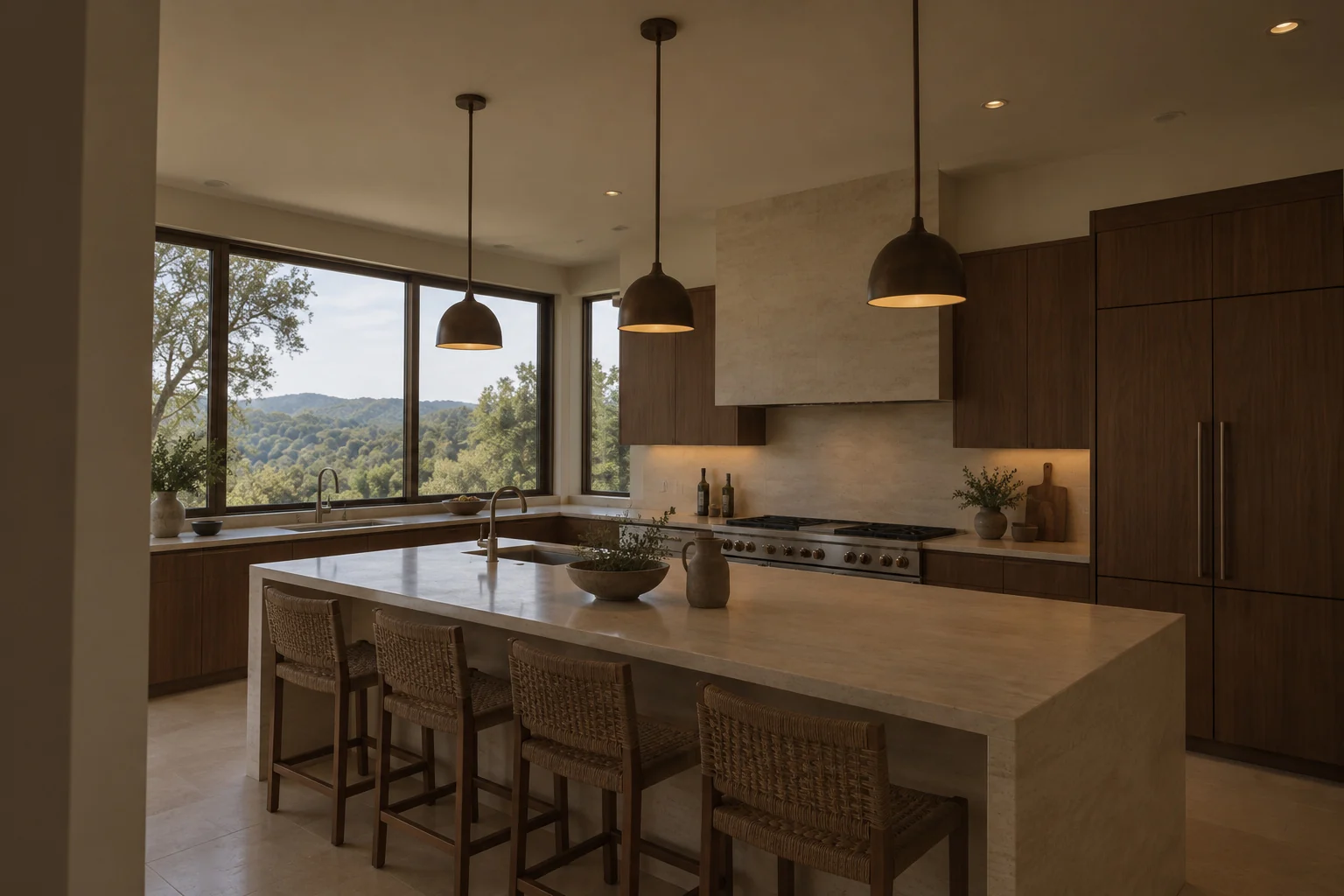
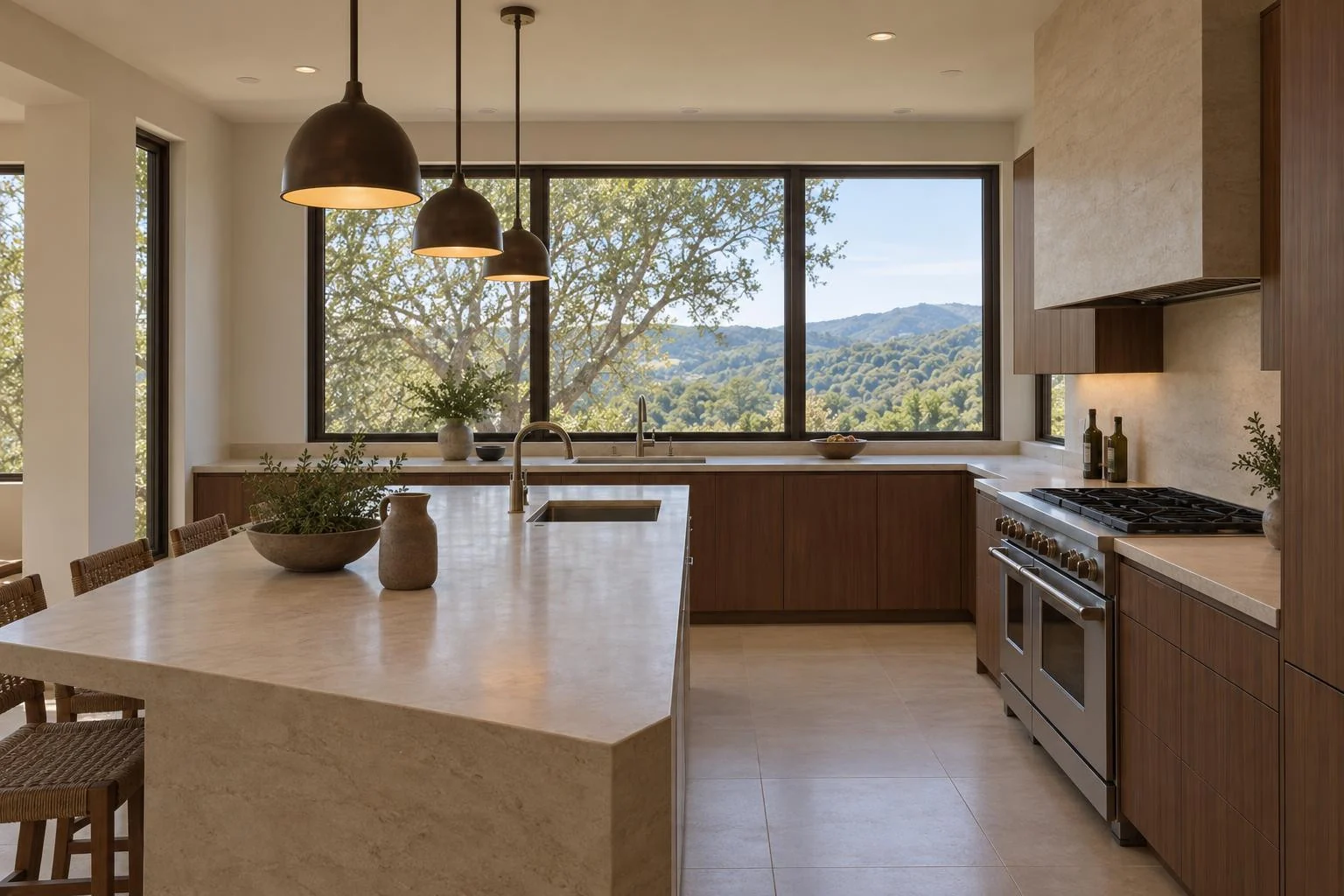
Photo Studio
Give your listing photography a fresh perspective. Choose a natural or editorial finish and turn an underwhelming photo into a more considered presentation.
0.20 credits per successfully generated photo
See the difference
Compare the original with each finish. Look at the composition, lighting and the way the room is presented.
The living room at Alder House. Choose a finish to compare.
A considered viewpoint with balanced coverage of the room.
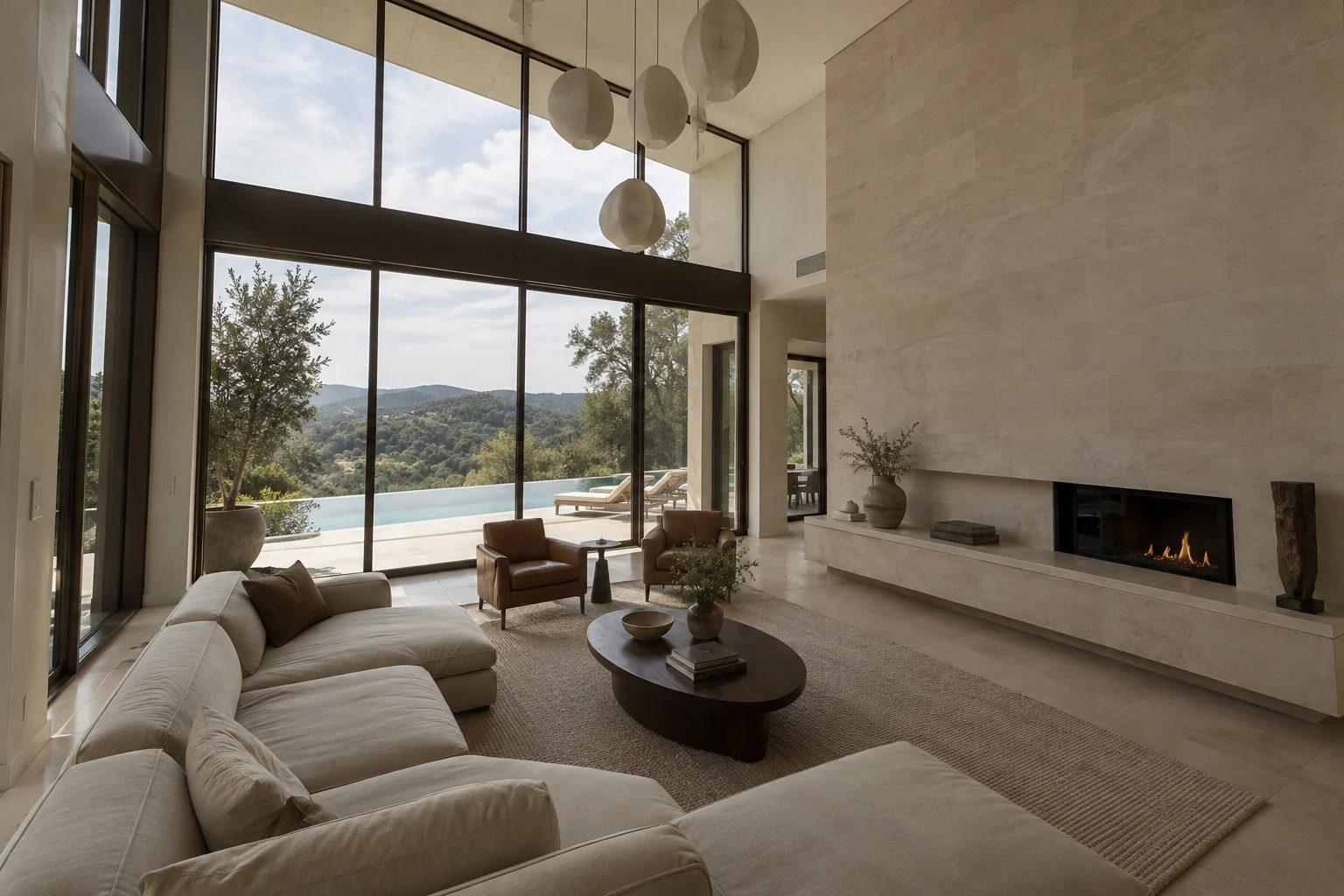
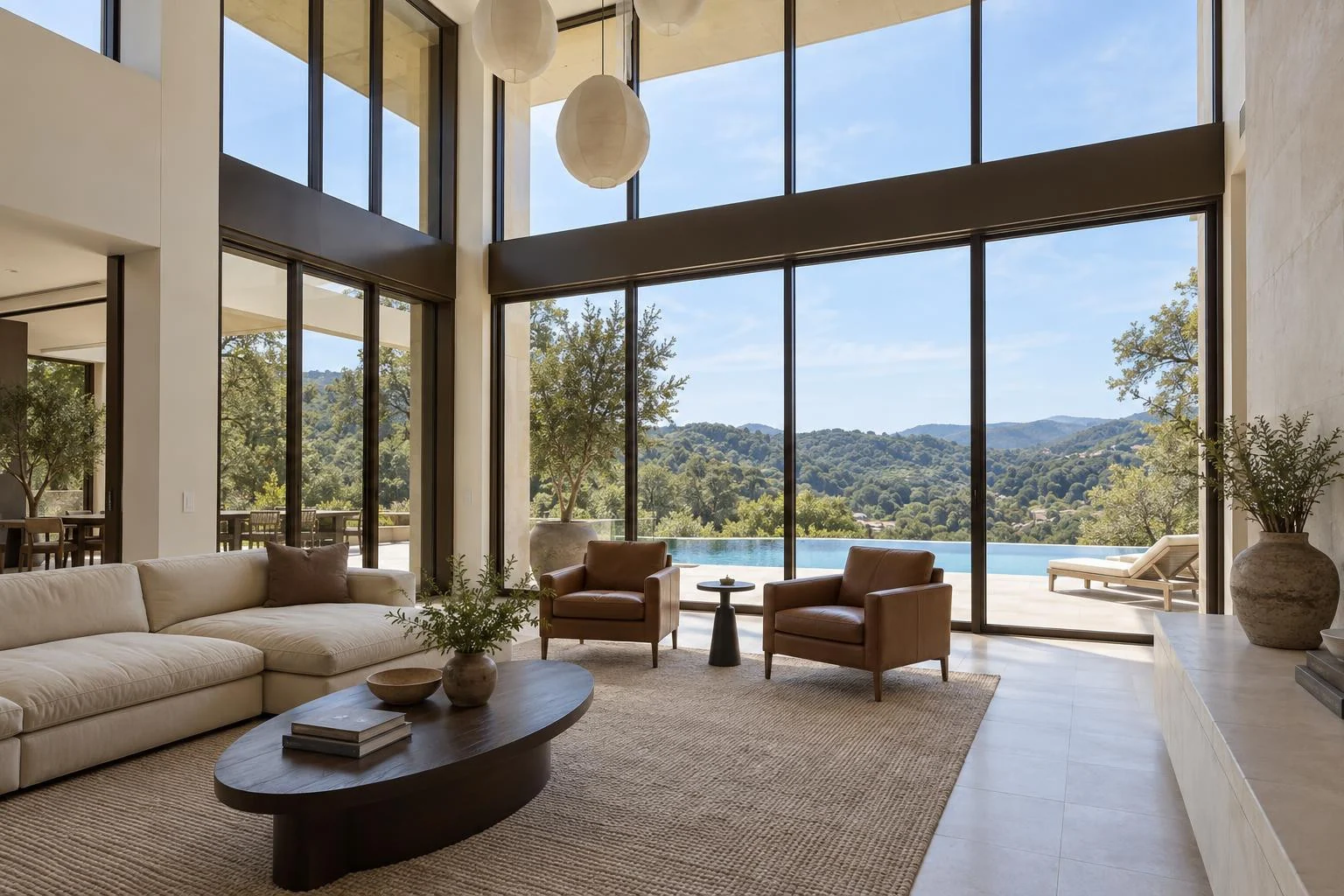
Natural professional
Luxury editorial
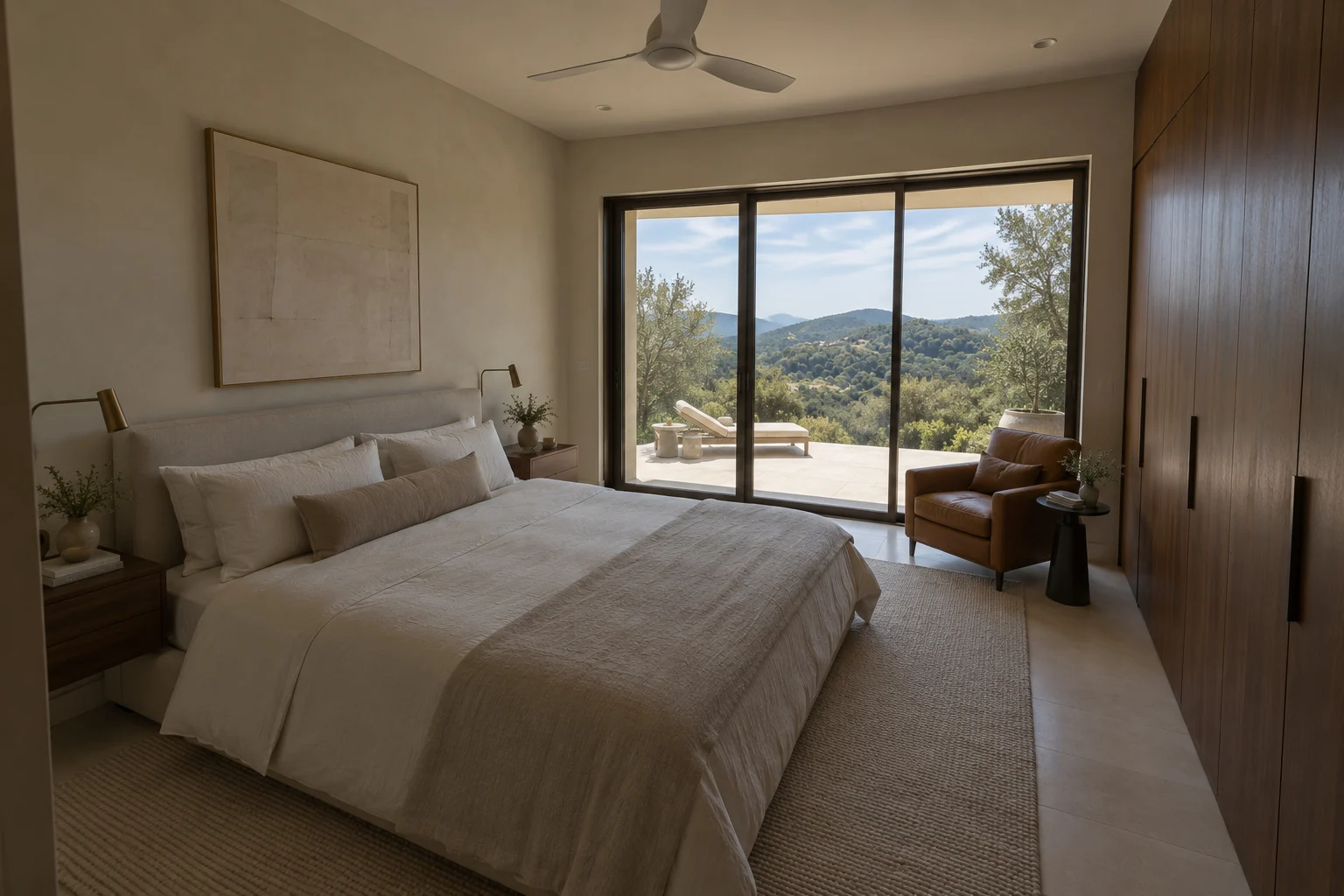
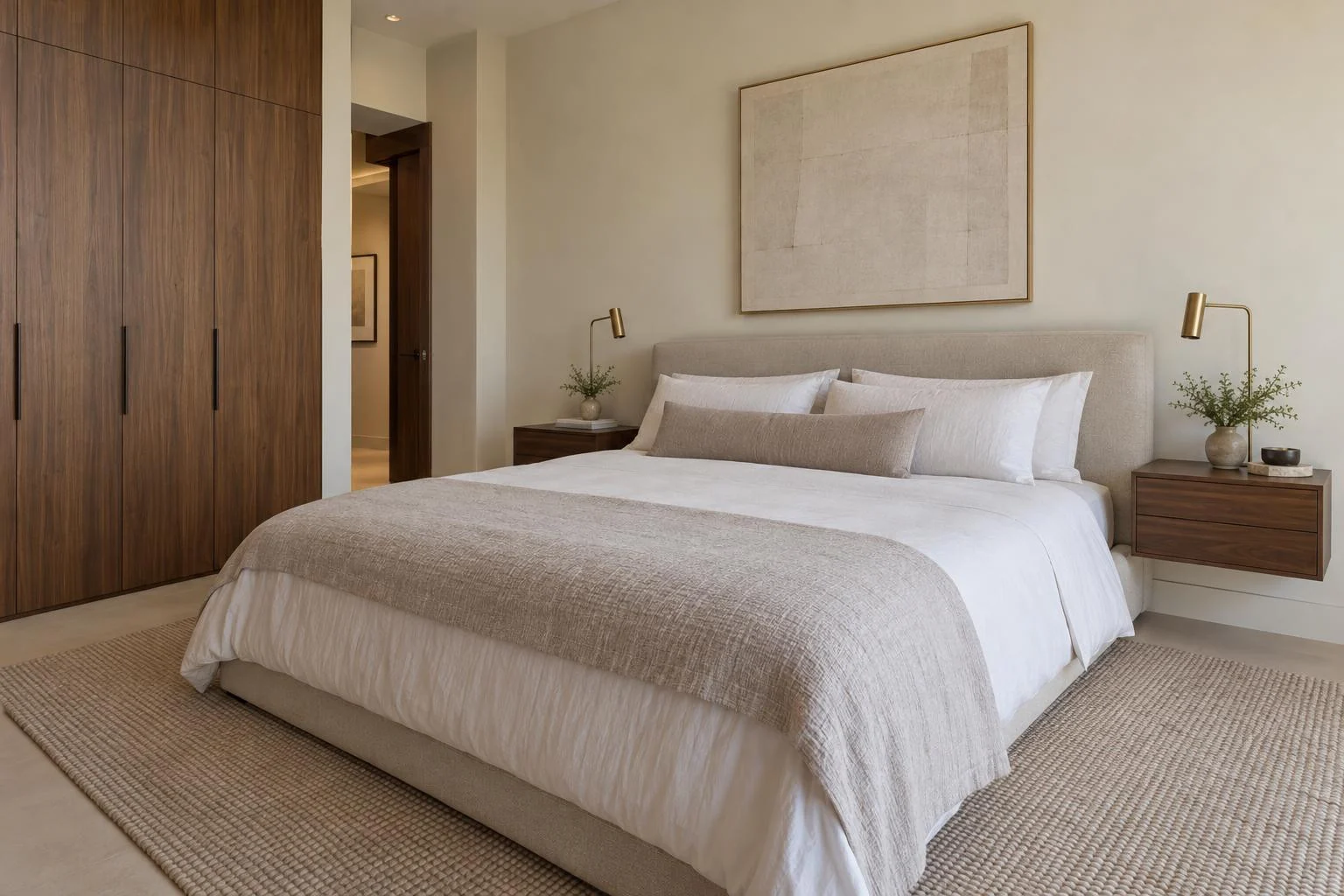
Alder House is a fictional luxury property. The original photos are AI-created; every after image was generated with Biyra Photo Studio. Results vary by photo.
From photo to finished file
Your originals and finished images stay together in Projects. You can return to the same project as you work on your listing.
Upload your property photos, or bring them in from a supported listing link.
Choose Natural professional or Luxury editorial, an export size and an optional saved watermark.
Review the total before starting. Compare the finished images with your originals, then download your photos.
A stronger starting point
Use the original file where possible. A clear, well-exposed image with level verticals gives the model more useful detail than a tiny screenshot or a heavily filtered photo.
How to improve listing photosPhoto Studio creates a new composition, so the viewpoint and property details can change. Use it where a new presentation is appropriate, and check that every image represents the property accurately.
Read about AI and property accuracyA few useful details
It uses your original property photo as a reference to create a new photographic composition. It can improve the presentation of an underwhelming image, but it is not a pixel-for-pixel retouching tool.
Natural professional aims for balanced coverage of the room. Luxury editorial puts more emphasis on the strongest architectural details. Use the example above to compare both finishes from the same original.
Yes, from a supported public listing link, or upload JPG, PNG or WebP files directly. Only use photos you own or have permission to use. If a listing cannot be imported, upload your original files instead.
Photo Studio costs 0.20 credits per successfully generated photo. The total is shown before you start. Successful results are charged automatically; unsuccessful photos are not charged. Uploading is free.
Download the finished files from Projects after comparing them with your originals. Check room proportions, fixed features and the exterior view. AI can change property details, so a polished image still needs your review before publication.
Photo Studio
0.20 credits per successful photo. See the total before you start.