Comparison
Biyra vs Apply Design for virtual staging.
Apply Design sells coins at $7 to $10 each, and one-click 2D staging uses 1.5 coins, so a staged image costs about $10.50 to $15. Biyra stages living rooms and bedrooms for $0.25 per photo. Apply Design adds a drag-and-drop editor, 360° staging and item removal; Biyra is the lower-cost choice for standard rooms and adds listing videos.
| Biyra | Apply Design | |
|---|---|---|
| Price per staged photo | $0.25 | About $10.50–$15 (1.5 coins at $7–$10) |
| Turnaround | Minutes | 15 minutes for one-click staging |
| Free start | None | First image free |
| Extras | Listing videos, photo enhancement | DIY editor, 360° staging, item removal |
| Rooms | Living rooms and bedrooms | Multiple room types |
Price for a listing
Staging four rooms costs $1 with Biyra. With Apply Design’s one-click staging it is six coins, $42 to $60 depending on how many coins you buy. The DIY editor uses fewer coins if you place furniture yourself.
Which to choose
- Choose Biyra for low-cost staging of empty living rooms and bedrooms, plus walkthrough videos from the same photos.
- Choose Apply Design if you want to place furniture yourself, need 360° images or need furniture removed first.
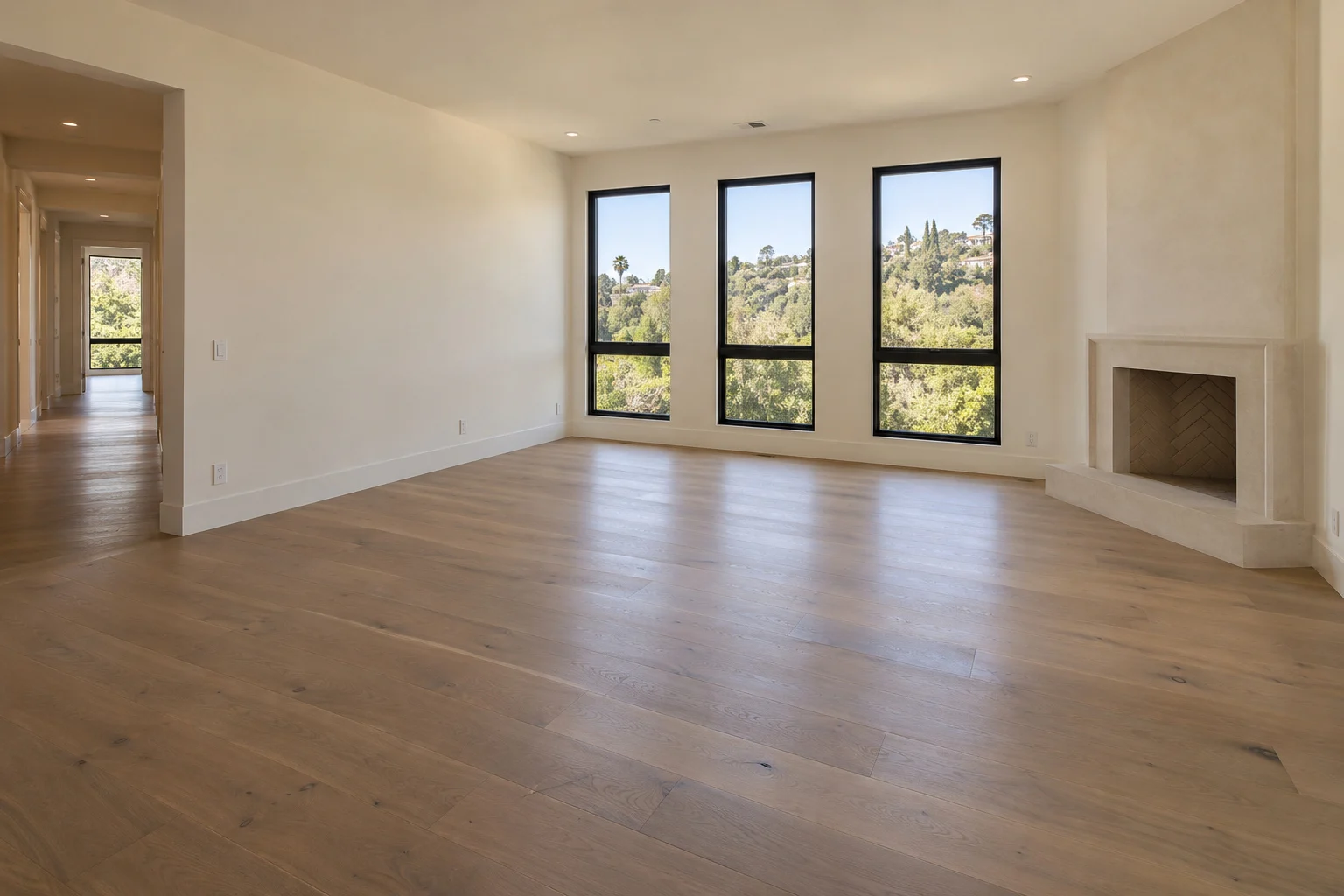
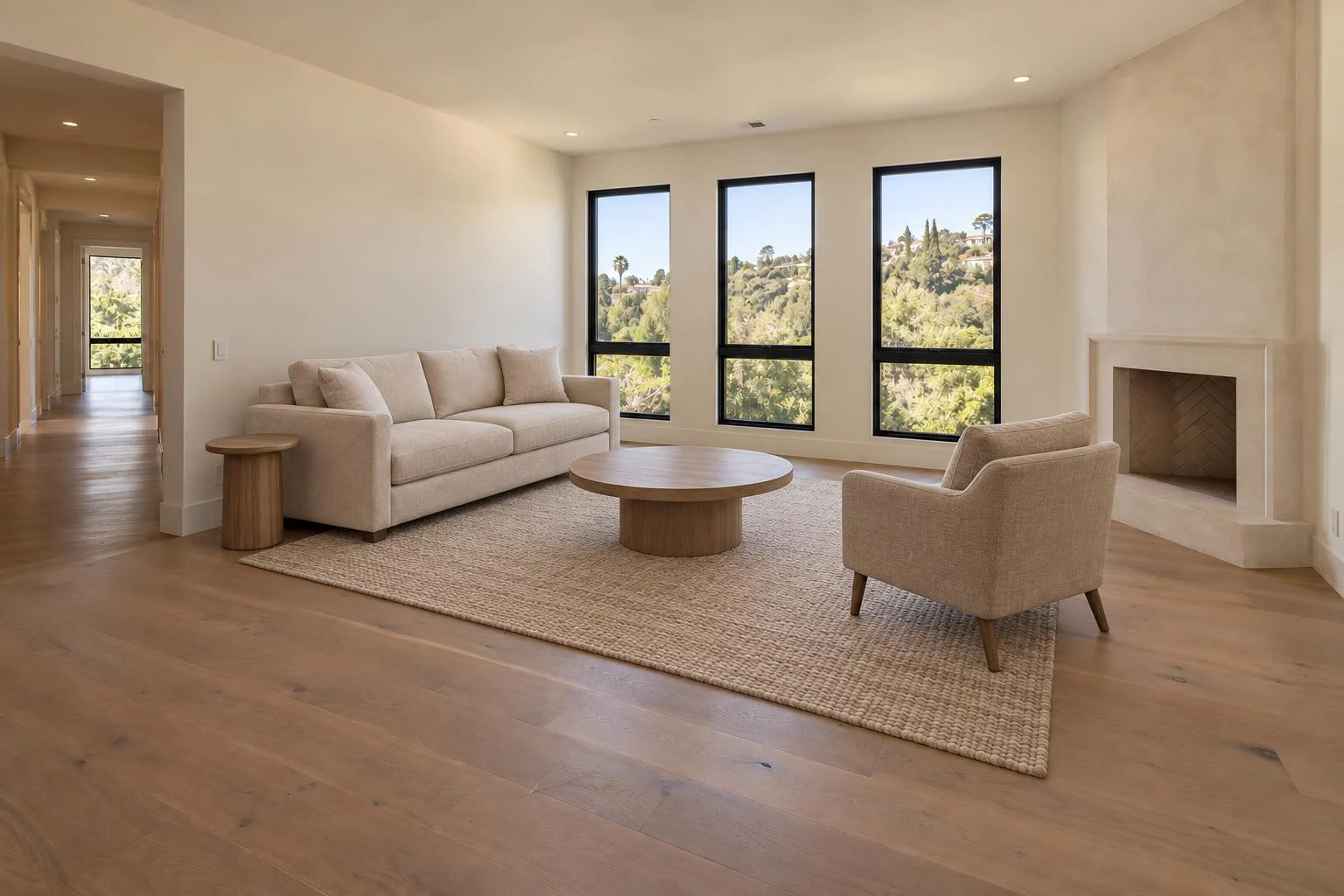
See an example.
Warm contemporary
Questions
- Does Biyra remove existing furniture?
- No. Biyra staging is for empty rooms. Use a tool with item removal if the room still has furniture.
Sources
Competitor details come from each company’s public pages, checked on . Prices and features change, so confirm them on the vendor’s site. Product names belong to their owners; Biyra is not affiliated with them.
Try it with your next listing.
Create an account, add your photos and see the price before you start. Credit packs start at $10 with no subscription.
Create your account