Biyra guide
How to virtually stage a room in 5 steps
To virtually stage a room, start with a wide, level, well-lit photo of the empty room, choose the room type and a furniture style, generate the staged image, compare it with the original and label it as virtually staged when you publish. In Biyra this takes a few minutes and costs $0.25 per photo.
1. Choose the right photo
Pick a wide, level photo of an empty living room or bedroom with the floor visible and good light. Avoid heavy wide-angle distortion and photos with leftover furniture or clutter.
2. Set the room type and style
Tell the tool what the room is, or let it detect the room, then choose a style that fits the likely buyer, such as warm contemporary or luxury neutral.
3. Generate
Biyra shows the price before you start and charges only for photos that complete successfully.
4. Check the result
- Furniture is sized realistically for the room.
- Walls, windows, doors, flooring and the view are unchanged.
- Shadows and lighting match the room.
- Nothing blocks a feature buyers need to see.
5. Label and publish
Mark the image as virtually staged in the photo, caption or remarks as your MLS requires, and keep the original. In California, link to or provide the unaltered image.
See it in practice.
Warm contemporary
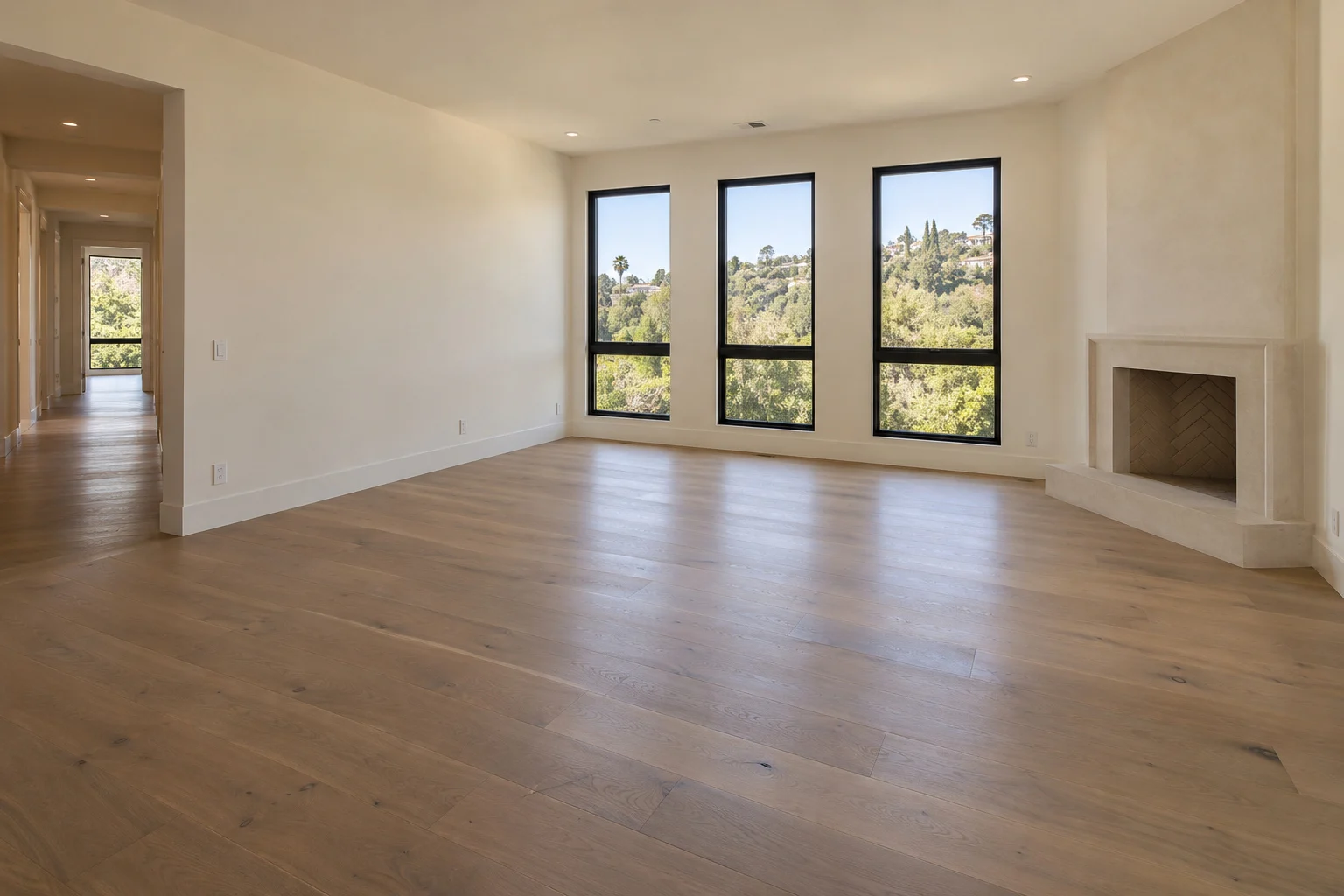
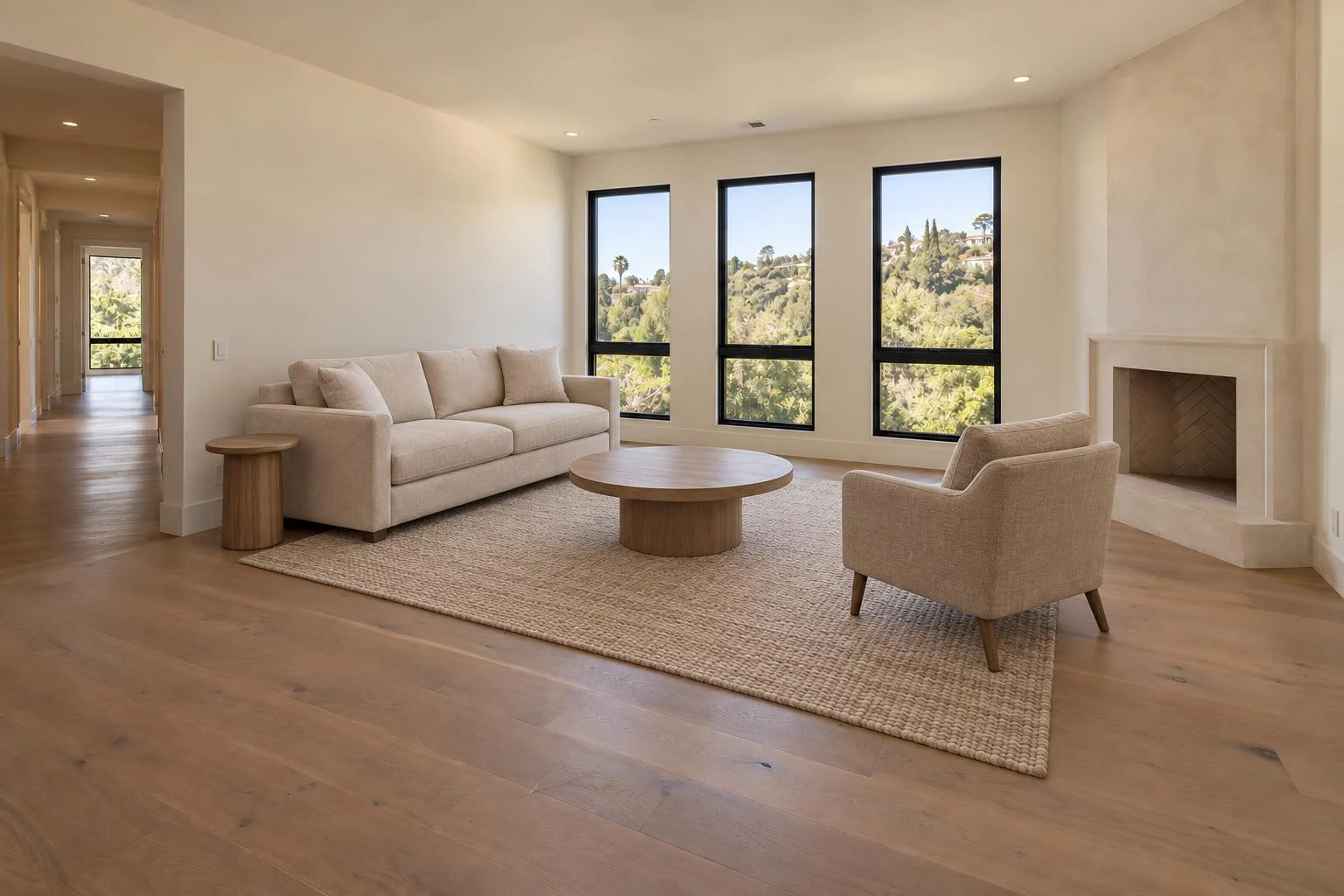
Explore Biyra virtual staging for finishes, pricing and the full workflow.
Put your photos to work.
Explore the Biyra preview and current credit estimates. Choose the tool that fits your listing.
Create your account