Biyra guide
Which listing photo edits need disclosure? AI editing rules for agents
Routine corrections such as exposure, white balance, cropping and straightening generally do not need disclosure. Edits that change how the property is represented do: adding or removing furniture, fixtures or landscaping, replacing views, or altering finishes. NAR’s Code of Ethics requires a true picture in advertising, and California and many MLSs require altered images to be labeled.
Usually fine without a label
- Brightness, exposure and white balance.
- Straightening verticals and cropping.
- Removing lens dust or sensor spots.
Label it
- Virtual staging: adding furniture or decor.
- Removing furniture, clutter or personal items.
- Sky replacement or twilight conversion, which some MLSs treat as an alteration.
- Changing paint, flooring, landscaping or fixtures.
- AI enhancements that change composition or details.
Never do it
Do not remove things outside the owner’s control, such as power lines, water towers or nearby roads, hide damage, or add views and features the home does not have. Bright MLS rules give these exact examples as prohibited. NAR’s Standard of Practice 12-10 covers manipulating content in a way that produces a misleading result, including misleading images.
Where the rules come from
California Business and Professions Code section 10140.8, in effect since January 1, 2026, requires a disclosure next to digitally altered listing images and access to the unaltered original; routine adjustments that do not change how the property is represented are generally excluded. MLS rules add their own requirements. Canopy MLS requires the label on the image itself. Bright MLS requires virtual staging, including generative AI, to be disclosed in the public and private remarks. Houston’s HAR requires virtually staged photos to be noted in the photo description, and images that alter the real property to carry the watermark “Image does not represent actual property as is”; those may not be the primary photo and must sit next to an unaltered image.
How Biyra handles it
Photo Studio and staging keep the original next to each result in your project, so you always have the unaltered image to publish or link to. Review every AI result before using it.
See it in practice.
One original. Two ways to see it.
The living room at Alder House. Choose a finish to compare.
A considered viewpoint with balanced coverage of the room.
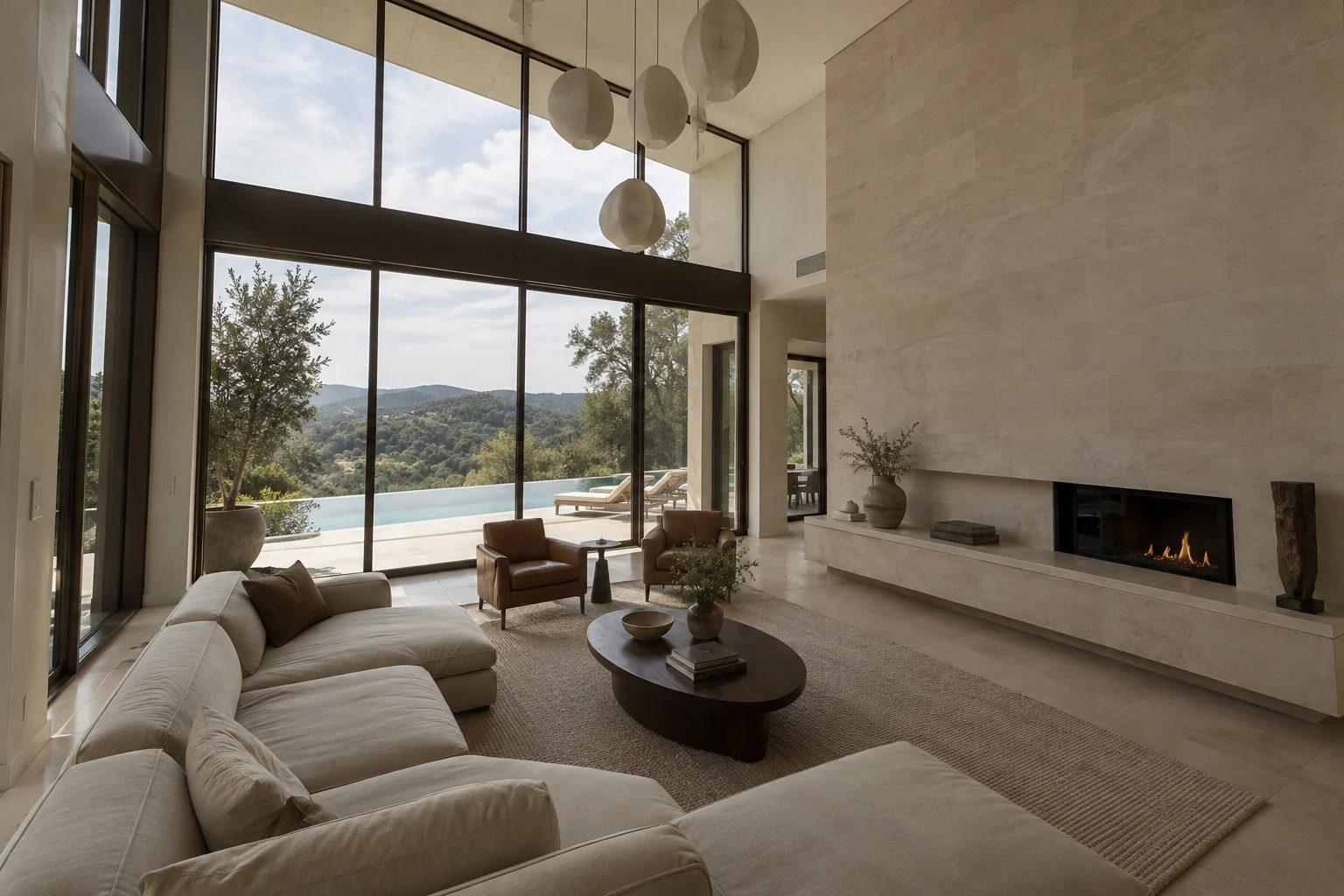
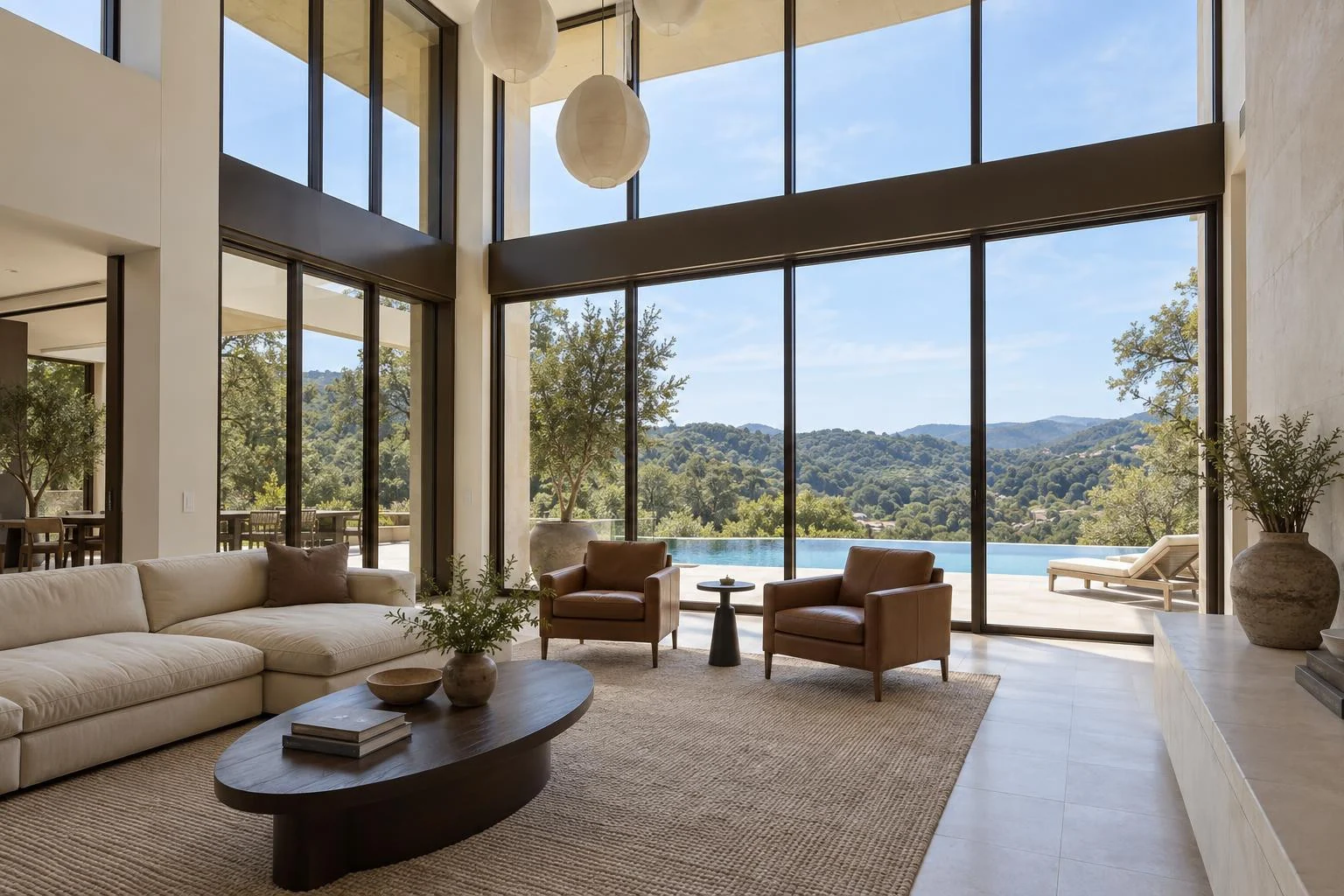
Alder House is a fictional luxury property. The original photos are AI-created; every after image was generated with Biyra Photo Studio. Results vary by photo.
Explore Photo Studio for finishes, pricing and the full workflow.
Sources
Rules and figures change. Check the current version at the source before relying on them; this guide is general information, not legal advice.
Put your photos to work.
Explore the Biyra preview and current credit estimates. Choose the tool that fits your listing.
Create your account