Biyra guide
8 virtual staging mistakes that make listings look fake
Virtual staging backfires when buyers feel misled: furniture too large or small for the room, changed walls or views, hidden defects, or no label. Check every staged photo against the original and label it clearly. Buyers who notice heavy editing often say it makes them trust the listing less.
The mistakes
- Furniture at the wrong scale, making the room look bigger than it is.
- Changed fixed features: walls, windows, flooring, fireplaces or the view.
- Covering damage or defects with furniture or rugs.
- Styles that do not fit the home or price point.
- Staging every room, including ones buyers can understand empty.
- Inconsistent lighting or missing shadows.
- No “virtually staged” label, or the label only in a place your MLS does not accept.
- Using a staged photo as the main image where your MLS prohibits it.
A quick review routine
Open the original and the staged photo side by side at full size. If anything other than furniture and decor changed, discard the result or generate it again. Then add the label your MLS requires before uploading.
See it in practice.
Warm contemporary
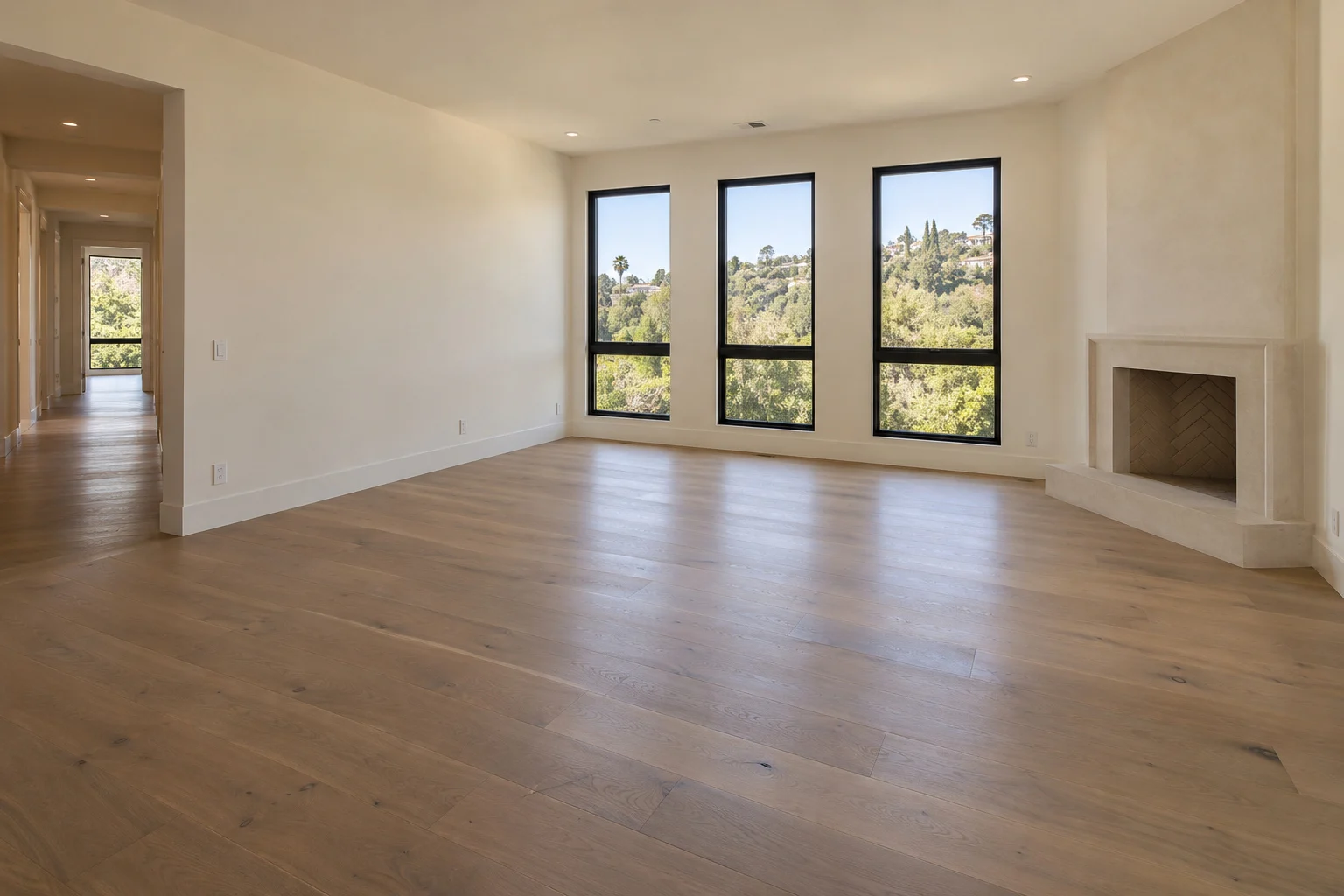
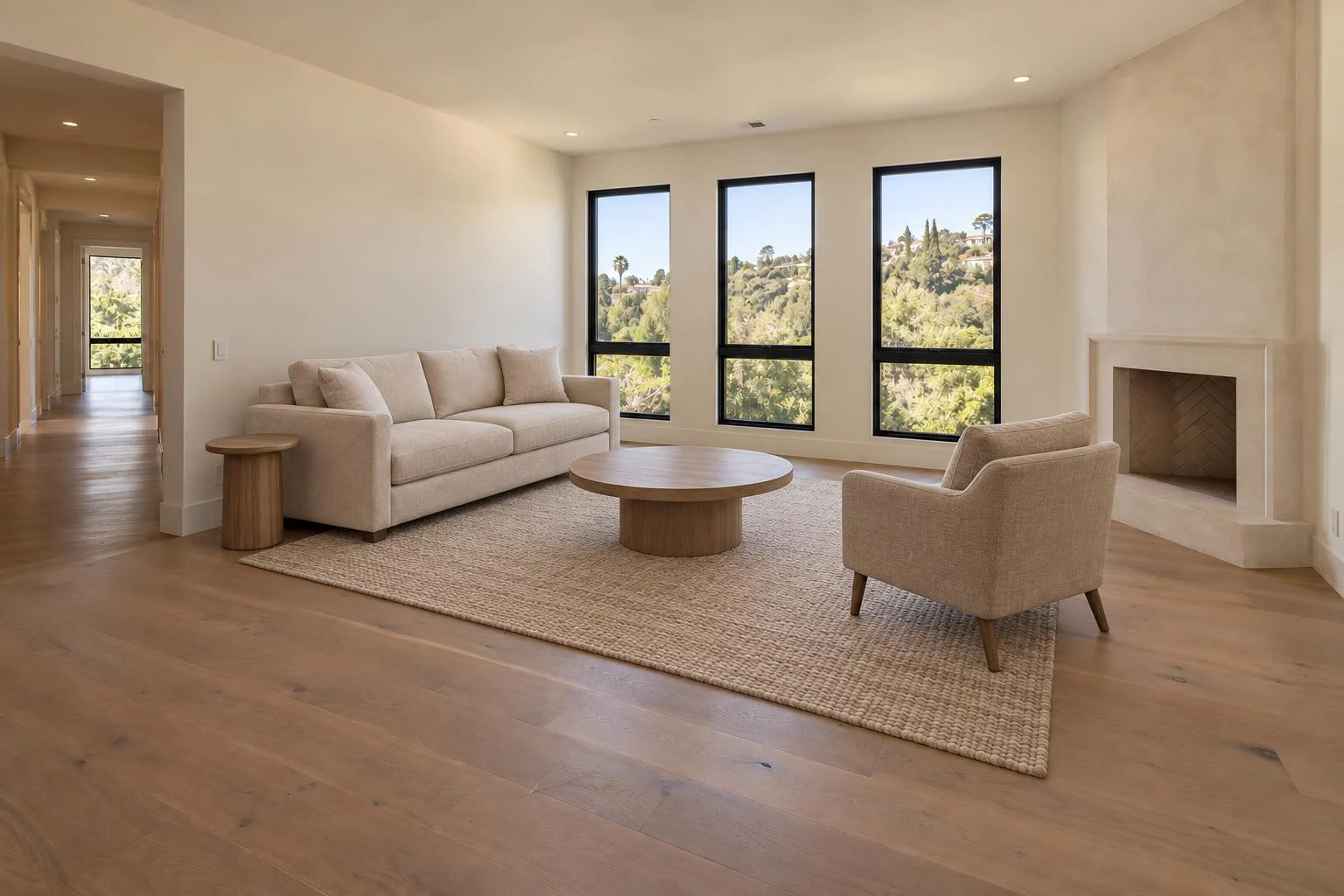
Explore Biyra virtual staging for finishes, pricing and the full workflow.
Put your photos to work.
Explore the Biyra preview and current credit estimates. Choose the tool that fits your listing.
Create your account